Revoke an API key
Revoke a key when you stop using a tool, when someone who had the key leaves, or when you think it may have leaked. You need to be a company admin.
-
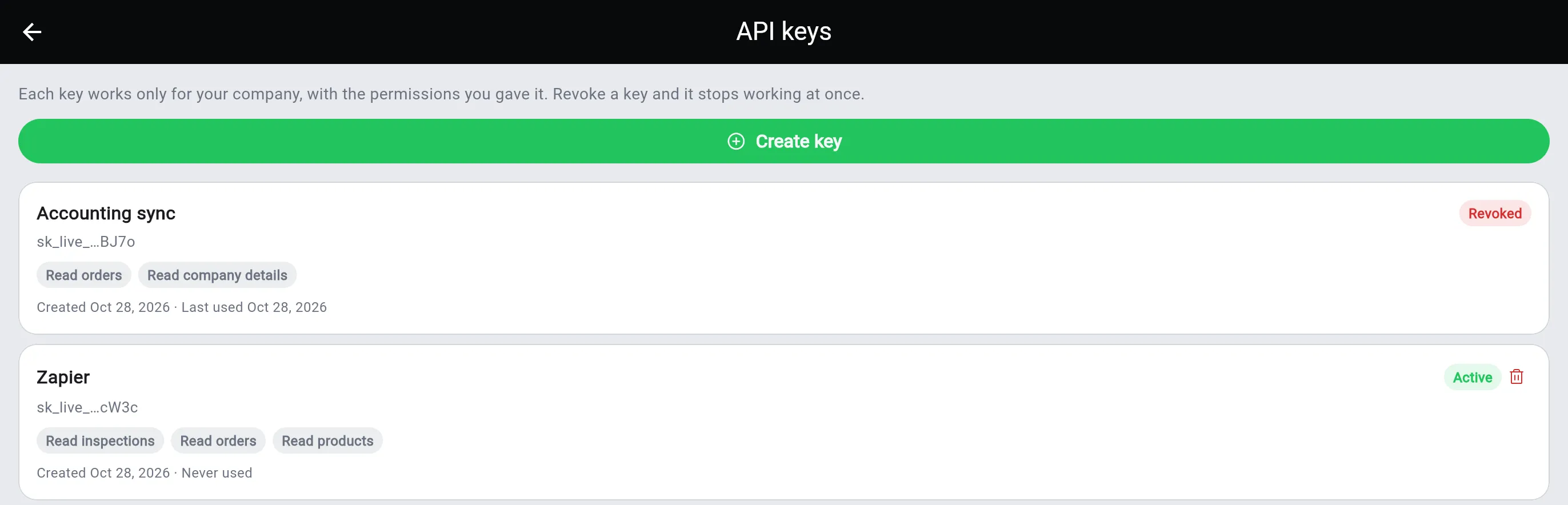
In sherlock office, open Settings, then API keys.
-
Find the key by its name and the last four characters of the key. Tap the red bin next to Active.
-
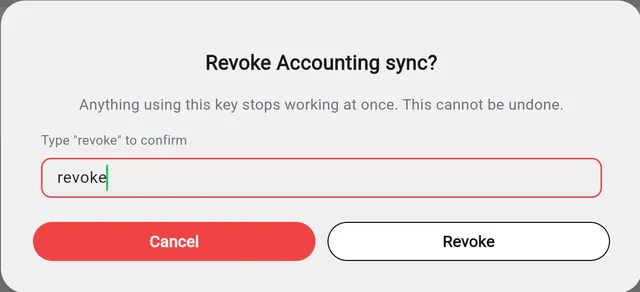
Type revoke to confirm, then tap Revoke.
The key stops working at once. Anything still using it gets API_KEY_INVALID. The key stays in your list marked Revoked, so you can see what it was and when it was last used.